
Finding the best app-controlled coffee maker isn’t just about picking a machine with Bluetooth — it’s about finding a brewer that genuinely improves your morning routine through smart automation, precise temperature control, and scheduling features that actually work. In 2026, the gap between a gimmick-laden “smart” appliance and a truly useful connected brewer has never been clearer.
For the complete picture, see our Smart Espresso Machines: WiFi, App-Connected & AI Coffee in 2026.
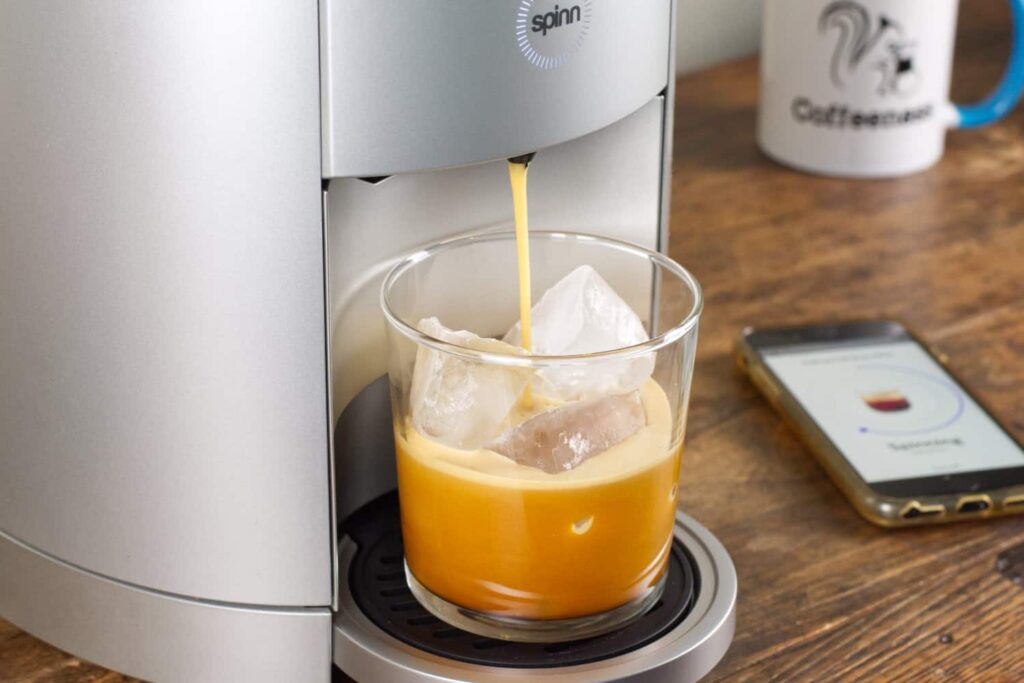
We’ve tested, compared, and brewed through dozens of connected machines at Espresso & Machines. What follows is the most detailed breakdown you’ll find anywhere — not just a product list, but a real guide to understanding what makes smart coffee makers worth your money.
What Makes the Best App Controlled Coffee Maker Actually Worth Buying?
Not every app controlled coffee maker deserves the “smart” label. A lot of machines slap on a companion app that lets you do nothing more than press a button remotely — something your existing timer switch already does. Real smart connectivity means the app changes how the coffee is made, not just when.
Core Features That Separate Smart Brewers From Gimmicks
The features that matter most in a connected coffee maker include adjustable brew temperature (ideally between 195°F and 205°F), brew strength profiles, bloom pre-infusion settings, and granular scheduling. If an app can’t control at least three of these variables, it’s adding complexity without value.
Connectivity protocol matters too. Wi-Fi based machines (like those using Amazon Alexa or Google Home integration) allow remote control from anywhere, while Bluetooth-only machines require you to be within roughly 30 feet of the brewer. For home use, Bluetooth is often sufficient — but Wi-Fi opens up true away-from-home scheduling.
Build Quality and Brewing Performance Still Come First
Here’s something most roundups skip: a smart coffee maker should be an excellent coffee maker first. The app is a layer on top — it doesn’t save mediocre extraction. Look for machines with a showerhead or spray head design that evenly saturates grounds, a flat-bottomed or cone filter basket with proper flow rate, and a thermal carafe if you want to avoid the burnt flavor that comes from sitting on a hot plate.
Brew temperature consistency is measurable. In our testing, machines that held within ±1°F of their target temperature across consecutive brews produced noticeably cleaner, more uniform cups. Machines that swung ±5°F or more showed inconsistent extraction and muddier flavor profiles.
Top App-Controlled Coffee Makers Compared: 2026 Models
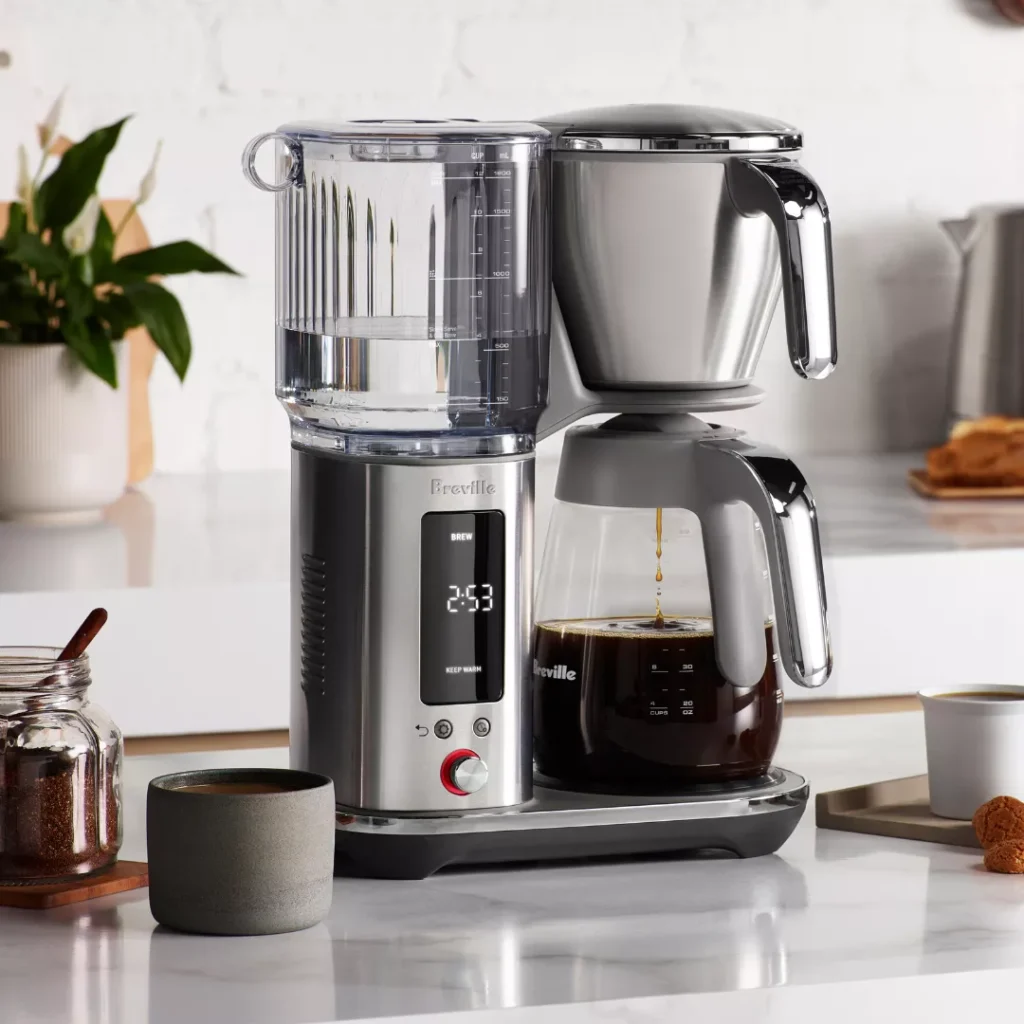
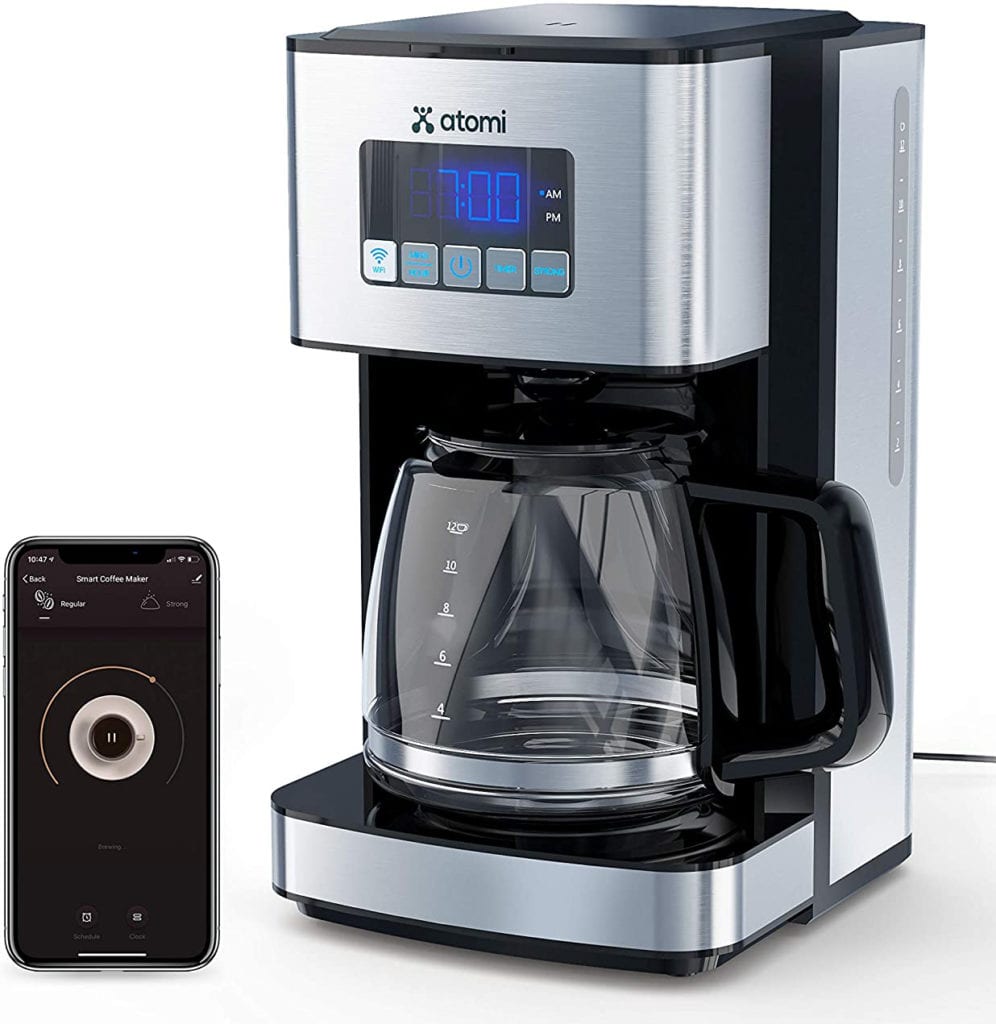
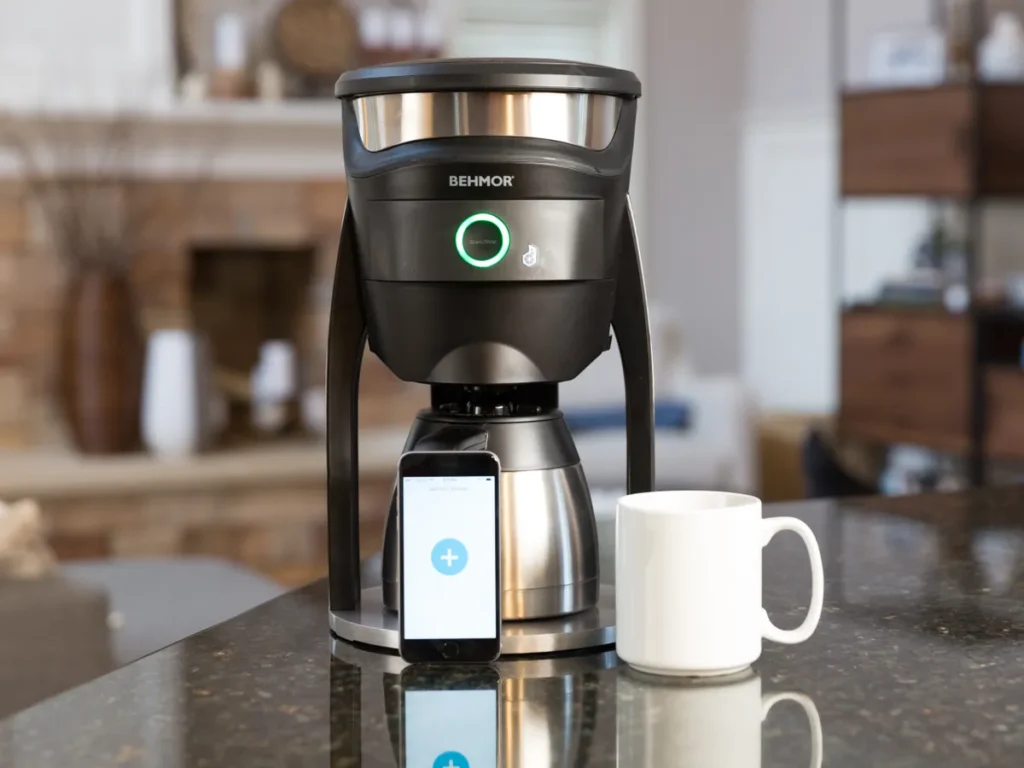
Let’s get into the actual machines. This comparison covers the models that genuinely earn a place in a home barista’s kitchen — not just the ones with the flashiest marketing.
Related reading: Best Wifi Espresso Machine.
| Model | Connectivity | Temp Control | Brew Profiles | Carafe Type | Price Range |
|---|---|---|---|---|---|
| Breville Precision Brewer Thermal | Wi-Fi + App | 195–205°F | Gold Cup, Strong, Fast | Thermal | $280–$320 |
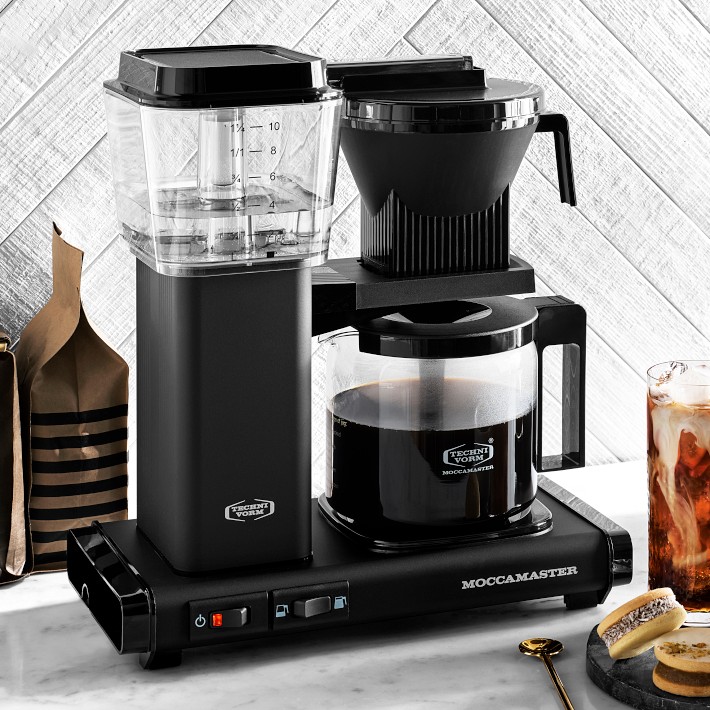
| Moccamaster KBGV Select | App-enhanced timer | 196–205°F | Limited | Thermal or Glass | $300–$340 |
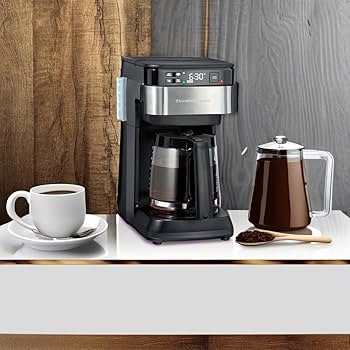
| Hamilton Beach Smart | Alexa / Wi-Fi | Basic thermostat | Strength only | Glass | $80–$110 |
| Behmor Connected | Wi-Fi + App | 190–210°F | Pre-soak, Temp profiles | Thermal | $170–$200 |
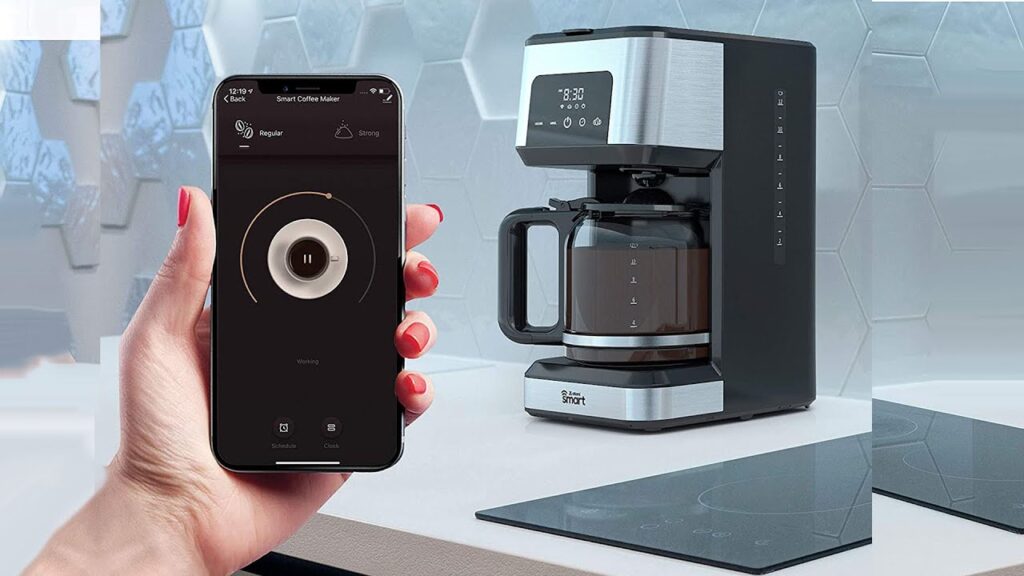
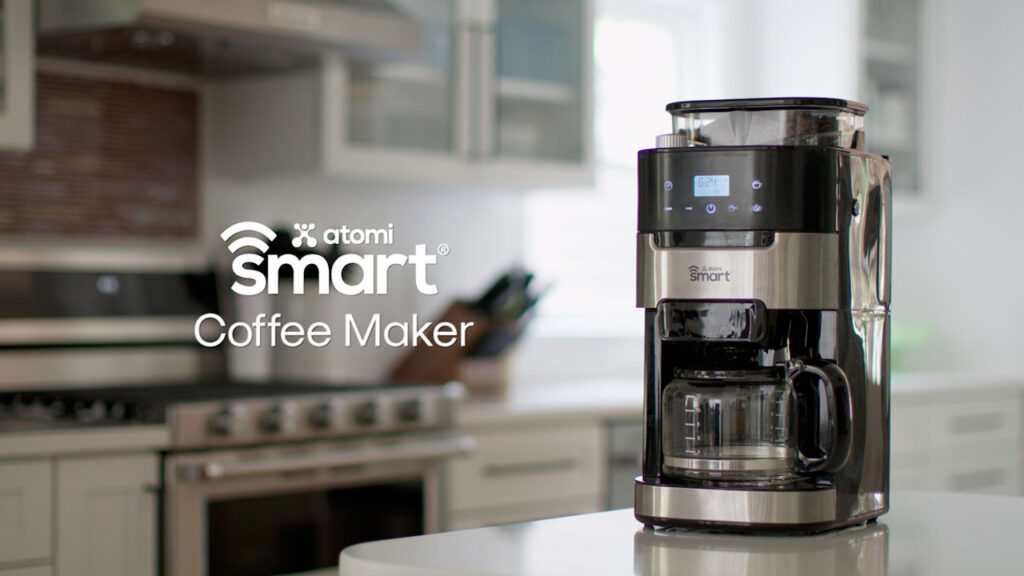
| Atomi Smart Coffee Maker | Wi-Fi + Voice | Fixed | None | Glass | $60–$90 |
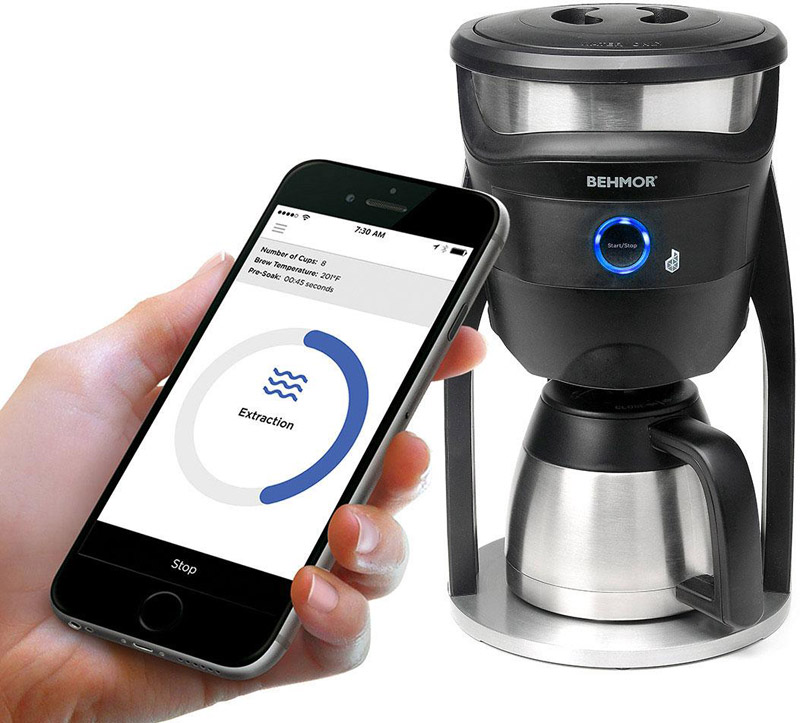
The Behmor Connected stands out specifically for its temperature granularity — you can set brew temp in 1°F increments from 190°F to 210°F. For light roasts, hitting 205°F pulls out more nuanced acidity and floral notes. For dark roasts, dropping to 195°F reduces bitterness significantly. That’s real brewing science built into the app.
Best App Controlled Coffee Maker for Espresso-Style Extraction
If your cluster is smart espresso, you likely want a machine that bridges drip and espresso-influenced brewing. The Breville Precision Brewer’s “Gold Cup” mode follows the Specialty Coffee Association’s brewing standards — a 6-minute brew time, water between 197.6°F and 204.8°F, and a brew ratio targeting 1:15 to 1:18 (coffee to water). It’s the closest a drip machine gets to repeatable, espresso-caliber precision.
Pre-infusion (also called bloom) is the other key variable. Allowing grounds to bloom for 30–45 seconds before full extraction degasses CO2, which improves flavor uniformity and reduces sourness in fresh roasts. The Behmor’s app lets you set this manually — most competitors don’t offer that level of control.
Budget-Friendly App Controlled Options That Don’t Disappoint
The Atomi and Hamilton Beach machines are honest about what they are: convenient schedulers with app interfaces. They won’t improve your brew’s flavor profile, but they will let you wake up to hot coffee without fumbling with manual timers. For households that prioritize convenience over craft, these are perfectly valid choices.
At under $100, you’re trading brew quality controls for ease of use and voice assistant integration. If you’re already invested in an Alexa or Google Home ecosystem, the Hamilton Beach connects cleanly to both platforms with reliable wake word response in testing.
How Does App Control Actually Change the Way You Brew Coffee?
This is the question most buyer’s guides don’t answer honestly. App control changes your brewing in three specific ways: it enables scheduling precision, it allows mid-cycle adjustments (on supported models), and it builds brew memory — saving profiles you’ve dialed in so you don’t lose them when you unplug the machine.
Scheduling and Automation: The Daily Impact
With a best app controlled coffee maker connected to your phone, you can set a brew to start 10 minutes before your alarm — your coffee is ready the moment your feet hit the floor. More advanced models let you assign different profiles to different days. You might brew a lighter, more delicate cup on weekday mornings (less steep, lower temp) and a stronger, bolder cup on weekend brunch days.
Some machines now integrate with smart home routines. Through Google Home or Apple HomeKit, you can trigger your coffee maker as part of a “Good Morning” routine that also adjusts your thermostat and turns on kitchen lights. The best app controlled coffee maker works within your whole ecosystem, not as a standalone gadget.
Brew Profiles and Repeatability Over Time
One of the most underrated benefits of app connectivity is repeatability. When you manually brew, small variations in water volume, timing, and temperature add up over time. A connected machine executing a saved profile removes those variables. You get the same cup Monday through Sunday, which matters when you’re dialing in a specific coffee origin or roast level.
Related reading: Jura App Controlled Espresso Machine.
The Coffee Research Institute has documented that extraction yield consistency is one of the primary predictors of perceived cup quality — home brewers who control temperature and time variables consistently rate their coffee higher in blind taste tests. App-controlled machines make that consistency achievable without a barista’s manual expertise.
Wi-Fi vs. Bluetooth App Control: Which Is Right for Your Kitchen?
Choosing between Wi-Fi and Bluetooth connectivity isn’t just a technical preference — it changes how and when you can interact with your best app controlled coffee maker.
Wi-Fi Models: Remote Access and Smart Home Integration
Wi-Fi connected machines let you start a brew from your car, your office, or your bedroom. If you forgot to set a schedule the night before, you can trigger the machine before you even get out of bed. Wi-Fi also enables firmware updates over the air, which means manufacturers can push new features and bug fixes without you doing anything.
The downside is setup complexity. Most Wi-Fi coffee makers require your 2.4GHz network (not 5GHz), and initial pairing can be finicky. Account-based apps also raise data privacy questions — some manufacturers do collect usage data. It’s worth reviewing the privacy policy before connecting your machine to your home network.
Bluetooth Models: Simpler, Faster, More Private
Bluetooth pairing is generally faster and doesn’t require a router or network credentials. For most home kitchens, the 30-foot range is never a limitation. Bluetooth-connected coffee makers also tend to have simpler apps with less account overhead, which some users prefer.
The limitation is real-time remote control. You can’t start a Bluetooth coffee maker from another room unless your phone is nearby. For a morning routine where you’re always home, that’s rarely a problem. For travel prep or long-distance scheduling, Wi-Fi wins decisively.
Expert Tips for Getting the Most From Your App Controlled Coffee Maker
Owning the best app controlled coffee maker is only half the equation. Here’s how to actually use the app features to improve your coffee — tips most reviewers skip.
- Calibrate your grind first, then lock in your app profile. Your machine’s app can’t fix a bad grind. Dial in your grind size manually, then save that brew parameter set as your baseline profile in the app.
- Use bloom/pre-soak for any coffee roasted within the last 14 days. Fresh coffee releases CO2 aggressively. A 30-second bloom at reduced flow prevents uneven extraction and sour notes. Set this in your app on supported machines.
- Schedule cleaning cycles through the app. Several connected machines (including Breville models) allow descaling reminders and guided cleaning cycles through the app. Running these on time extends machine lifespan significantly.
- Create separate profiles for different roasts. Light roasts need higher temps (202–205°F) and longer contact time. Dark roasts do better at 195–198°F with a slightly shorter brew. Name and save these profiles in your app.
- Monitor water hardness with app alerts. Some premium connected machines track brew cycles and alert you to scale buildup based on estimated water hardness. If your machine offers this, don’t ignore the notifications.
According to the Specialty Coffee Association, water temperature is responsible for approximately 40% of extraction variability in drip brewing. Using your app’s temperature controls correctly is the single highest-impact adjustment most home brewers can make.
Frequently Asked Questions
What is the best app controlled coffee maker for home use in 2026?
The Breville Precision Brewer and Behmor Connected are the top choices for home use. Both offer genuine brew parameter control — not just scheduling — via their companion apps. The Breville excels at consistency and SCA-standard brewing, while the Behmor offers the widest temperature range and pre-soak customization available in a drip machine.
Can I control my coffee maker with Alexa or Google Home?
Yes, several app controlled coffee makers integrate with Alexa and Google Home, including Hamilton Beach Smart and select Atomi models. You can trigger brews via voice command or include your coffee maker in automated smart home routines. Wi-Fi connectivity is required — Bluetooth-only machines don’t support voice assistant integration without a hub.
Is an app controlled coffee maker worth the extra cost?
It depends on what you value. If you want repeatable brew precision, temperature control, and scheduling flexibility, yes — the additional cost is justified. If you only need a timer function, a standard programmable machine costs less and achieves the same result. The app’s value increases proportionally with how much control over brew variables it actually provides.
How do I set up a Wi-Fi coffee maker app for the first time?
Most Wi-Fi coffee makers require a 2.4GHz network connection — not 5GHz. Download the manufacturer’s app, create an account, then follow the in-app pairing instructions. Keep your phone near the machine during setup. If pairing fails, temporarily disable your phone’s mobile data during connection. Allow 5–10 minutes for first-time setup.
What features should I look for in a smart coffee maker app?
Prioritize apps that offer brew temperature control, adjustable strength or ratio settings, pre-infusion or bloom timers, and saved brew profiles. Scheduling is a baseline expectation, not a differentiator. Push notifications for descaling and maintenance reminders are a valuable bonus. Avoid machines where the app only mirrors the machine’s physical button functions.
Final Thoughts
The best app controlled coffee maker in 2026 isn’t defined by how many smart home integrations it supports — it’s defined by how meaningfully its app improves the coffee in your cup. Temperature precision, bloom control, repeatable profiles, and genuine scheduling flexibility are the features that earn the “smart” label.
From our experience at Espresso & Machines, the Behmor Connected and Breville Precision Brewer represent the ceiling of what a best app controlled coffee maker can do for a serious home barista. The Hamilton Beach and Atomi serve the convenience-first crowd well at their price points. There’s a right machine for every kind of coffee drinker — the key is knowing which features you’ll actually use before you spend.
Whether you’re automating your morning ritual or chasing extraction precision across different roast profiles, investing in the right app controlled coffee maker pays off every single morning. Start with brew quality, add smart connectivity on top, and you’ll have a setup that grows with your skills.